Disk Drill vs Stellar Data Recovery: Full Comparison for Mac and Windows
Both apps can scan deleted files, formatted storage, lost partitions, plus damaged media. Disk Drill is the easier all-around pick, while Stellar makes more sense if built-in photo or video repair is the deciding feature.
Disk Drill is our pick over Stellar Data Recovery for most Mac or Windows users. It keeps scanning, previews, disk imaging, camera recovery, plus recovery results in a more coherent workflow, while its $149 lifetime license covers both platforms.
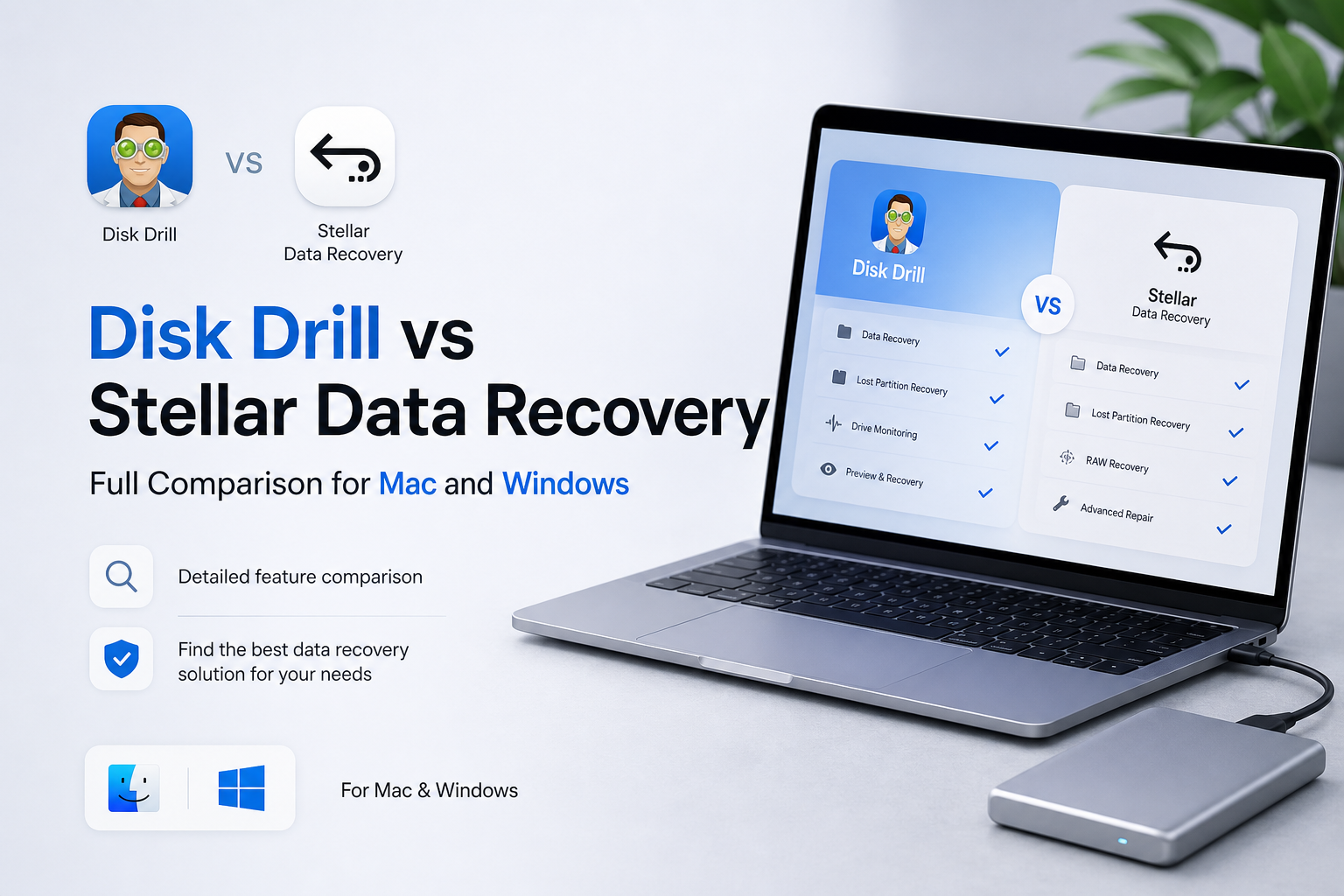
Disk Drill vs Stellar at a Glance
9.0/10Disk Drill plus Stellar Data Recovery are desktop apps for restoring deleted, formatted, inaccessible, or lost files. Disk Drill has the more unified Mac and Windows package, while Stellar offers tiered editions with optional media repair.
Best forDisk Drill fits home users, photographers, videographers, plus mixed Mac or Windows households recovering from healthy, readable storage.
- Quick plus deep storage scans
- Preview before recovery
- Lost-partition recovery
- Disk-image scanning
- Fragmented camera-video support
- Cleaner result browser
- Lifetime license available
- Strong camera-media workflow
- Useful recovery usually requires payment
- DIY scans are wrong for physically failing drives
- Stellar Premium has better built-in file repair
How We Compared Disk Drill With Stellar Data Recovery
We compared the current Mac plus Windows editions, their scan setup, result filters, previews, disk-image workflow, platform coverage, recovery limits, plus July 2026 pricing. We also reviewed official license documentation to separate temporary offers from standard plan features.
The scoring favors safe recovery habits over raw feature count. Disk imaging, preview quality, result organization, license clarity, plus the ability to avoid writing to the source disk carried more weight than cleanup utilities or marketing claims. Recovery percentages were not invented because results vary sharply by file system, overwriting, TRIM status, device health, plus the original cause of loss.
When Disk Drill or Stellar Data Recovery Is the Wrong Choice
Do not keep testing software on a drive that clicks, vanishes during use, reports the wrong capacity, spins down repeatedly, or becomes painfully slow. Those symptoms point toward hardware trouble. Powering the device again may create fresh damage.
DIY recovery is also a poor gamble when the only copy contains business records, client footage, legal evidence, or irreplaceable family media. Disconnect the storage, avoid repair commands such as CHKDSK or First Aid, then ask a reputable recovery lab for an evaluation.
Disk Drill vs Stellar Data Recovery: Scores Across Our Comparison Criteria
| Category | Performance | Score |
|---|---|---|
| 01 Recovery Toolkit | 9.4/10 | |
| 02 Mac & Windows Experience | 9.2/10 | |
| 03 Scan Results | 9.0/10 | |
| 04 Drive Safety Workflow | 8.8/10 | |
| 05 Cost & Licensing | 8.6/10 |
Disk Drill vs Stellar Data Recovery Features in Detail
01 Recovery Toolkit
Disk Drill offers the more complete everyday toolbox
9.4/10
Recovery Toolkit
Disk Drill offers the more complete everyday toolbox
Disk Drill covers the usual deleted-file, formatted-drive, RAW-volume, plus lost-partition jobs, then adds tools that are genuinely useful before a recovery attempt. Its byte-to-byte backup feature lets you image unstable storage first, reducing the need to repeatedly scan the original device.
The clearest advantage over Stellar appears with camera media. Disk Drill’s Advanced Camera Recovery mode is built for fragmented video from cameras, drones, dashcams, plus action cameras. Stellar also supports fragmented MOV or MP4 recovery, while its Premium edition adds repair for files that were recovered but remain corrupt. Stellar wins that narrow repair use case. Disk Drill feels broader for the recovery job itself.
- Advanced Camera Recovery for fragmented footage
- Byte-to-byte disk images included
- Lost-partition plus RAW-drive scanning
- Useful S.M.A.R.T. monitoring tools
- Cross-platform scan sessions
- The number of extra utilities can distract from a simple recovery
- Mobile-device recovery varies by platform plus device state

02 Mac & Windows Experience
A consistent app across both operating systems
9.2/10
Mac & Windows Experience
A consistent app across both operating systems
Both products run on macOS plus Windows, though Disk Drill handles a mixed-computer household more neatly. One PRO subscription or lifetime purchase covers both operating systems with up to three activations. A scan started on one platform can also be continued on the other, which helps when a Mac-formatted disk is attached to a PC or vice versa.
Stellar sells separate Mac or Windows products. Its interface remains approachable, but plan selection gets awkward because Standard, Professional, plus Premium unlock different capabilities. Disk Drill puts fewer purchasing decisions between the scan result plus the actual recovery.
- One personal license covers Mac plus Windows
- Up to three activations
- Native-looking interfaces on both platforms
- Scan sessions can move between operating systems
- macOS requires storage-access permissions before deep scanning
- Some platform-specific tools are not identical
03 Scan Results
Better organization when thousands of files appear
9.0/10
Scan Results
Better organization when thousands of files appear
Recovery software often finds far more files than anyone expects. The hard part is sorting them. Disk Drill groups results into deleted or lost, reconstructed, plus existing files, with filters for type, size, date, recovery chance, plus filename. Previewing a photo or document before paying is straightforward.
Stellar also provides previews, selectable file types, quick scans, plus deep scans. Its guided flow is friendly, though the result browser feels more task-driven than exploratory. Disk Drill is easier when you need to compare several versions of one file or inspect a large reconstructed folder.
- Clear deleted, reconstructed, plus existing-file groups
- Filters remain accessible during result review
- Recovery-chance indicators help prioritize files
- Broad preview support
- Deep scans can produce many duplicate or reconstructed entries
- Original names may be unavailable after signature-based recovery
04 Drive Safety Workflow
Good precautions, provided the user follows them
8.8/10
Drive Safety Workflow
Good precautions, provided the user follows them
Disk Drill makes disk imaging easy to find, which matters more than a flashy recovery percentage. A questionable HDD, SD card, or USB drive should usually be copied to an image before a long scan. Both Disk Drill PRO plus Stellar Professional support imaging, though Stellar’s cheaper Standard tier leaves it out.
Neither app can make a mechanically failing drive safe. Clicking sounds, repeated disconnects, severe slowness, or an undetected device are reasons to stop. No DIY tool should be installed on the same disk holding the missing files, nor should recovered data be saved back to that source.
- Byte-level imaging is easy to locate
- Scans can be paused or saved
- Read-focused recovery workflow
- S.M.A.R.T. data offers a useful early warning
- Software cannot fix physical media damage
- Scanning an unstable drive directly may worsen its condition
- Recovery-chance labels are estimates, not guarantees
05 Cost & Licensing
Disk Drill offers the simpler long-term deal
8.6/10
Cost & Licensing
Disk Drill offers the simpler long-term deal
Disk Drill Basic costs $0. On Windows it can recover up to 100 MB, while the Mac edition mainly serves as a scan plus preview trial. PRO costs $89 per year or $149 once, covering macOS plus Windows for one user with up to three activations.
Stellar’s current Windows pricing starts at $59.99 per year for Standard. Professional costs $89.99 per year, while Premium is temporarily listed at $99.99 per year. Stellar may cost less for a basic one-year Windows job, yet partition recovery, imaging, plus non-booting computer support require Professional. Disk Drill’s lifetime option is the better fit for recurring personal use.
- Disk Drill offers annual plus lifetime choices
- One Disk Drill purchase covers both operating systems
- Three personal activations are included
- Free scans let you inspect results first
- Mac users generally need PRO to recover scanned deleted files
- Disk Drill’s $89 annual plan is pricey for one tiny recovery
- Stellar discounts may change after the promotional term
What Disk Drill Users Report After Real Recoveries
The poster said an inaccessible RAW SD card held family photos plus videos. Recuva could not see the card, while Disk Drill recovered the media in roughly ten minutes.
One user reported that Disk Drill found files but did not preserve the expected names or folder metadata, which made sorting the recovery frustrating.
A Mac user found some recovered files unreadable, then reported that the Windows version retrieved original-quality videos from the same recovery case.
A recent poster said Disk Drill 6 recovered data from a SanDisk external hard drive onto a separate LaCie drive.
Should You Choose Disk Drill or Stellar Data Recovery?
Disk Drill is the better overall choice for personal recovery on Mac or Windows. Its result browser, camera-media tools, disk imaging, plus cross-platform license make it easier to recommend for deleted files, formatted cards, lost partitions, or readable RAW storage.
Choose Stellar instead if corrupt-photo or corrupt-video repair is your main concern, since Premium includes those repair modules. Skip both for clicking, disappearing, burned, flooded, or physically damaged storage, where repeated DIY scans can reduce the odds of a clean lab recovery.
Run the free scan first, open several full previews, then recover to a different physical drive. If the source disconnects or makes unusual sounds, stop immediately.