Disk Drill for Damaged SD Card Recovery: Review 2026
Disk Drill is especially convincing when an SD card still appears in Windows or macOS but its files have vanished, its partition reads as RAW, or camera videos come back broken.
Disk Drill is one of the easier tools to try on a logically damaged SD card. Its free edition lets you scan plus preview results before paying, while Advanced Camera Recovery gives photographers, drone pilots, plus videographers a practical option for fragmented footage.
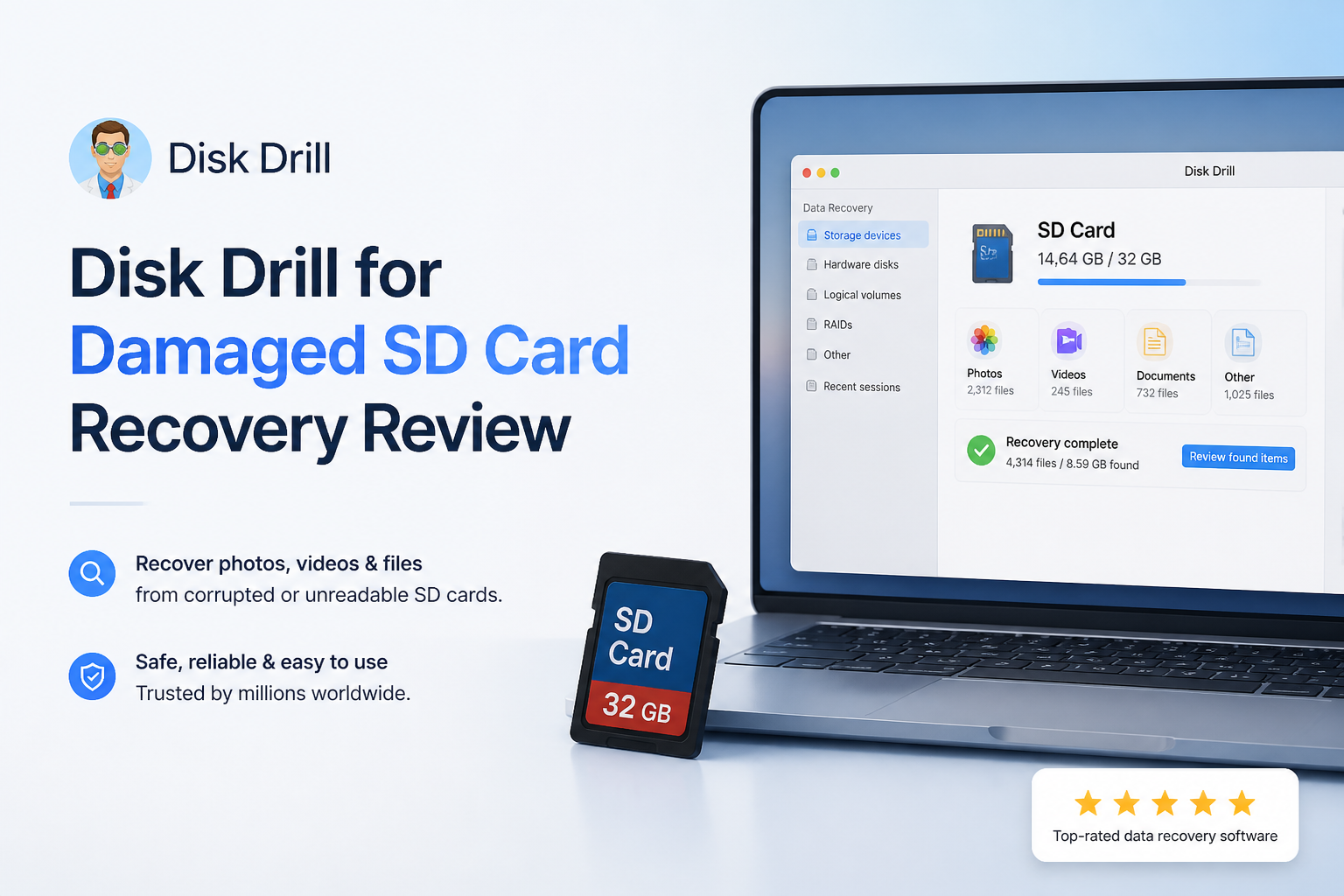
Disk Drill for SD Cards at a Glance
9.1/10Disk Drill is a Windows plus macOS recovery application for deleted, formatted, RAW, or otherwise unreadable storage. Its camera mode can reconstruct certain fragmented photo or video files from SD cards.
Best forPhotographers, videographers, drone users, or families recovering media from a card that still appears on the computer
- RAW plus lost-partition scanning
- Advanced Camera Recovery
- Photo plus video previews
- Byte-to-byte card imaging
- Search, filters, plus recovery-chance labels
- Easy result review
- Strong camera-media tools
- Free scan plus preview
- Paid license needed for substantial recovery
- No fix for physically dead cards
- Annual plan auto-renews
Disk Drill SD Card Recovery Features in Detail
01 Damaged Card Recovery
Useful for RAW, unreadable, or reformatted cards
9.4/10
Damaged Card Recovery
Useful for RAW, unreadable, or reformatted cards
Disk Drill makes the most sense for logical SD card damage. That includes a card requesting a format, a missing partition, deleted folders, or a file system that appears as RAW. If the operating system can still detect the physical card, Disk Drill can usually attempt a scan.
The workflow is unusually clear for a stressful job. Select the entire card rather than an individual volume, start the search, then inspect photos or videos as results appear. File filters keep a 128 GB camera card from turning into one long, messy list.
This is not a repair utility for snapped cards, failed controllers, or severe electrical damage. A card that never appears in Disk Management or Disk Utility belongs with a recovery lab.
- Scans cards with missing or RAW partitions
- Handles deleted files plus quick-format cases
- Lets results be reviewed while the scan continues
- Supports common camera-card file systems
- Cannot solve physical card failure
- Original folder structure may be missing after heavy file-system damage

02 Camera Media Reconstruction
The standout feature for fragmented footage
9.6/10
Camera Media Reconstruction
The standout feature for fragmented footage
Advanced Camera Recovery is Disk Drill's best reason to use it for an SD card. Ordinary signature scans may locate pieces of a deleted video without rebuilding them in the right order. The result can be a file that exists but freezes, shows a black screen, or stops after a few seconds.
The camera-focused mode looks for fragmented video streams from supported cameras, drones, action cameras, plus similar recording devices. This matters most with large MOV or MP4 clips, since cameras often write those files differently from small JPEG images.
It still cannot reconstruct sectors that were overwritten after the loss. Stop recording to the card immediately. Even one new clip may replace part of an older video.
- Purpose-built mode for fragmented camera video
- Good fit for drones, action cameras, plus mirrorless cameras
- Photo plus video results can be filtered separately
- Preview helps identify playable files before purchase
- Reconstruction cannot replace overwritten video fragments
- Large video previews may need a compatible player or codec
03 Scan Review Workflow
Friendly enough for a first recovery attempt
9.1/10
Scan Review Workflow
Friendly enough for a first recovery attempt
Disk Drill avoids the command-line feel found in several capable recovery utilities. Cards, partitions, plus disk images appear in one device list. The main recovery action is obvious, while scan types remain available for people who want more control.
Thumbnails, file-type groups, search, size filters, modification dates, plus recovery-chance indicators help narrow the results. A photographer can search for CR3 or NEF files, while a drone user can focus on MP4 clips instead of restoring every leftover thumbnail.
Preview is more useful than a green status label. Open several important files from different parts of the card before buying. A visible thumbnail alone is weaker evidence than a full-size photo that opens cleanly.
- Clean device-selection screen
- Useful file-type plus size filters
- Unlimited scanning plus preview in Basic
- Scan sessions can be saved for later review
- Signature-based results may have generic filenames
- A huge card can still produce duplicate or low-value results
04 Recovery Safety Tools
Byte-to-byte imaging is the feature to use first
8.9/10
Recovery Safety Tools
Byte-to-byte imaging is the feature to use first
A flaky SD card should not be scanned repeatedly if it disconnects, slows down, or produces read errors. Disk Drill includes a byte-to-byte backup tool that copies readable sectors into an image file. The image can then be scanned without continuing to work the original card.
This does not turn consumer software into a clean-room service, though it is a sensible precaution for cards with mild instability. Store the image on a healthy drive with enough free space. A 256 GB card may require roughly 256 GB for an uncompressed sector copy, even if only part of the card held files.
Recovered files must also go to another drive. Writing them back to the damaged card risks overwriting more recoverable data.
- Creates sector-level card images
- Scans an image instead of repeatedly reading the card
- Keeps recovery plus imaging in one application
- Supports recovery to a separate destination
- Disk images require substantial free storage
- Imaging a severely failing card can still stress the hardware
05 Cost & Licensing
Preview first, then decide whether recovery is worth paying for
8.4/10
Cost & Licensing
Preview first, then decide whether recovery is worth paying for
Disk Drill Basic costs $0. It can scan supported storage plus preview recoverable files. On Windows, Basic also permits up to 100 MB of ordinary recovery, enough for a few photos or one short test clip. Mac users should treat Basic mainly as a scan-plus-preview edition unless protected files qualify for a free recovery method.
Disk Drill PRO costs $89 per year, while the lifetime license costs $149 once. One personal license covers Windows plus macOS with up to three simultaneous activations. The annual plan renews unless canceled.
The free preview reduces the gamble, though it does not guarantee every selected file will open perfectly after export. Check several full-size photos or complete video previews before paying. Purchases are generally final under the current refund terms.
- Free scans plus previews before purchase
- Windows includes 100 MB of free ordinary recovery
- Lifetime option avoids recurring payments
- One license works across Windows plus macOS
- $89 is steep for one small recovery job
- Annual subscription renews automatically unless canceled
- Purchases are generally nonrefundable
How We Evaluated Disk Drill for Damaged SD Card Recovery
We evaluated the current Disk Drill 6 workflow around the failures SD card owners actually encounter: deleted camera folders, a quick-formatted card, a RAW volume, fragmented video, plus a card that should be imaged before scanning. Scoring covered device detection, scan setup, preview quality, result filtering, camera-media handling, recovery safeguards, plus pricing clarity.
We did not assign a made-up universal recovery percentage. Results change with overwriting, flash wear, controller failure, file fragmentation, plus the camera's recording method. More weight went to whether Disk Drill gives users a safe way to assess their own card before committing money.
When Disk Drill Is the Wrong Choice for an SD Card
Do not keep scanning a card that repeatedly disappears, becomes unusually hot, reports the wrong capacity, or never appears in Disk Management or Disk Utility. Those signs can point to controller, NAND, connector, or electrical failure. Software cannot read data the hardware will not expose.
Professional recovery is also the safer route when the card holds the only copy of paid client work, legal evidence, medical material, or an irreplaceable event. Every powered attempt adds some risk to unstable flash storage.
Disk Drill for Damaged SD Cards: How It Scored by Category
| Category | Performance | Score |
|---|---|---|
| 01 Damaged Card Recovery | 9.4/10 | |
| 02 Camera Media Reconstruction | 9.6/10 | |
| 03 Scan Review Workflow | 9.1/10 | |
| 04 Recovery Safety Tools | 8.9/10 | |
| 05 Cost & Licensing | 8.4/10 |
What SD Card Owners Say About Disk Drill
The poster said Windows wanted to format an inaccessible camera card. Disk Drill recovered the family photos in roughly ten minutes after other tools failed to see or properly handle the card.
A wedding shooter reported recovering roughly 40 to 50 GB of ceremony footage after formatting the wrong Canon card. A small free test clip played correctly before the user purchased PRO.
One commenter said the paid software failed to recover client files despite promising-looking scan results. The same user was also unhappy with the support response plus refund handling.
Reviewers commonly praise the straightforward setup plus quick recovery workflow, though cost remains a recurring complaint.
Should You Use Disk Drill for a Damaged SD Card?
Disk Drill is easy to recommend for a logically damaged SD card, particularly if the lost material includes camera or drone video. The preview workflow, card imaging, plus Advanced Camera Recovery offer more than a basic deleted-file scanner.
Try it if the card remains visible to the computer, then inspect several important files before purchasing. Skip home software if the card clicks through a reader, overheats, disconnects constantly, has visible damage, or never appears in the operating system.
Lock the SD card if it has a write-protect switch, create a byte-to-byte image on another drive, then scan the image rather than the original card.